Heading
Two levels, left-aligned or centered.
Both modes write the same email, and you switch between them without losing anything.
Outlook renders your emails with Word's engine. Every Mailcheer block is written in the table HTML that engine reads: the letter arrives the way you composed it.
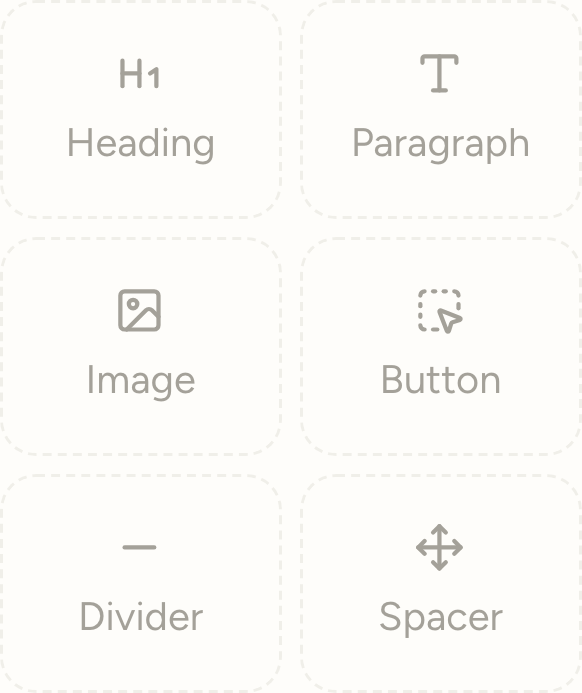
The palette, as it opens.
Two ways to write
You place a heading, a paragraph, an image, a button. Each block knows its own table-HTML translation — the one that holds in older rendering engines. You can't produce a layout that breaks on arrival.
A blank line separates two paragraphs. ## makes a heading, --- a rule, **bold** and *italic* do what they say, and a line that starts with a dash becomes a bullet.
Switching between the two loses nothing: they are two views of the same email, not two files.
The full vocabulary
A short palette sticks from the very first email. Here are all six, and what each one does.
Two levels, left-aligned or centered.
Body text, with its formatting marks.
With its alt text, always required.
A label, a link, an alignment.
A rule, to mark a break.
Small, medium or large. Silence counts too.
Against the blank page
Each one arrives already composed — just replace the words.
Newsletter, welcome, announcement, offer, invitation. See them in full.
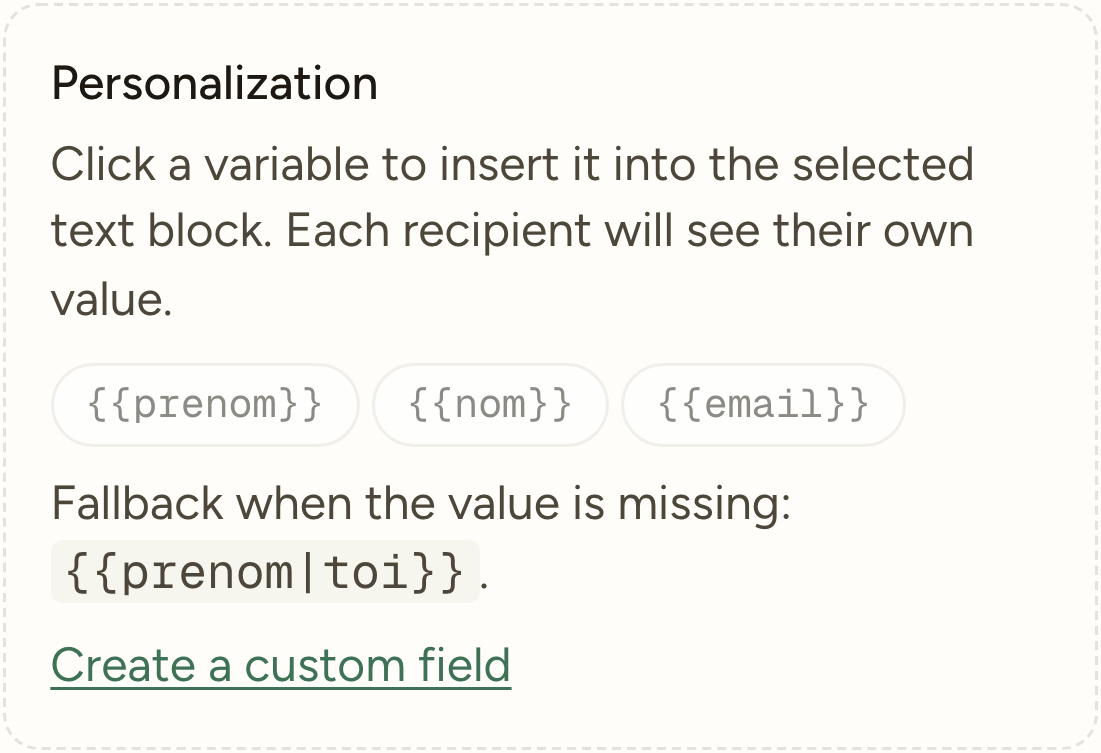
The personalization panel of the editor.
When the value is missing
You insert a first name with one click. But a real list always has missing first names — and that's where personalization turns against whoever uses it.
Every variable therefore carries its fallback, written next to it: {{firstname|you}} gives the first name when it exists, and ‘you’ when it doesn’t. The edge case is handled at writing time, not discovered after sending.
The invisible decisions
Bullet lists are one of the points where email clients diverge most: ghost margins in one, disappeared bullets in another. Mailcheer renders every bullet with an em dash followed by indentation — the only form that behaves the same everywhere. You write a list, your readers receive one.
An image without it is invisible to screen readers — and to everyone whose email client blocks images by default, which remains very common. The field is not a hidden option in a menu: it sits next to the image, at the moment you add it.
Before it's even opened
The subject, then the preview text — that second gray line inboxes show right after. It has its own field, next to the subject.
Left empty, it fills itself with the beginning of the email, which often gives 'View this email in your browser.' It's the most-read line of all, and the one most often left to chance.

The two fields, one below the other.
3,000 sends a month free, no credit card. Or open the product without an account, on a workspace already filled in.